Tap it.
Tick it. Done.
An easy way to log and track transactions — including the cash in your pocket. Two taps from the lock screen, and it's in the books.
Free to use. No account to create, no ads, no tracking.
- Groceries
- Dining
- Gas
- Shopping
- Bills
- Fun
- Other
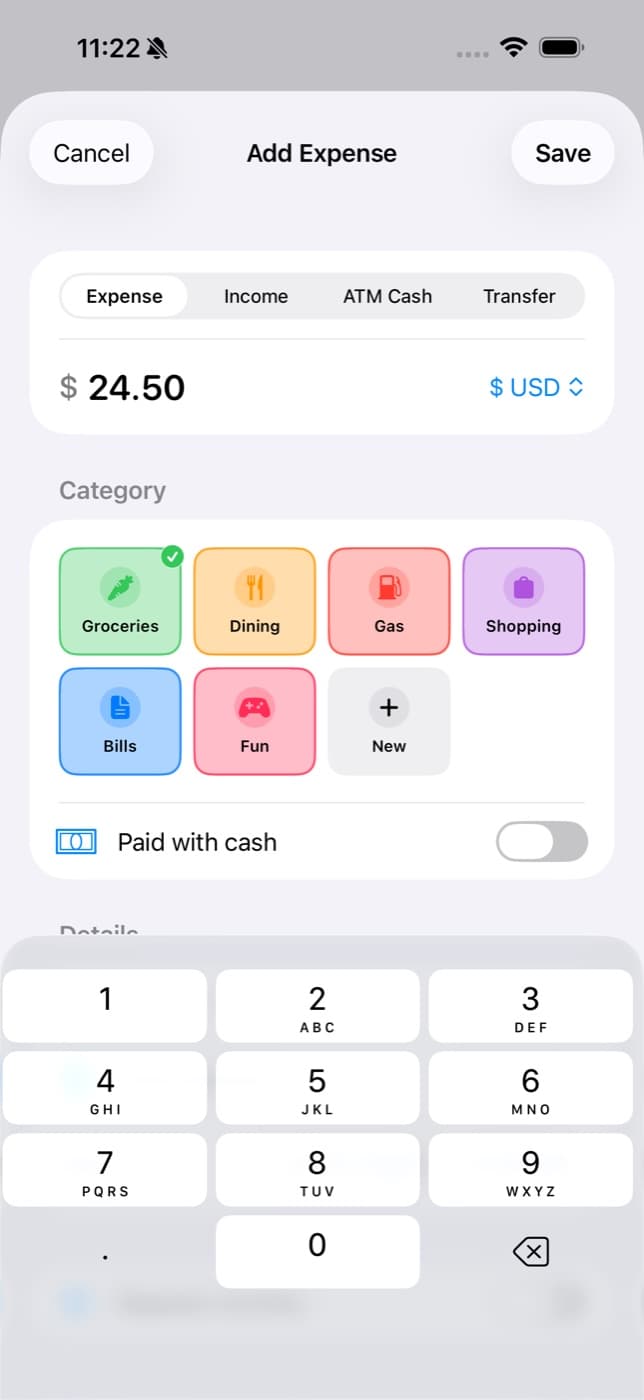
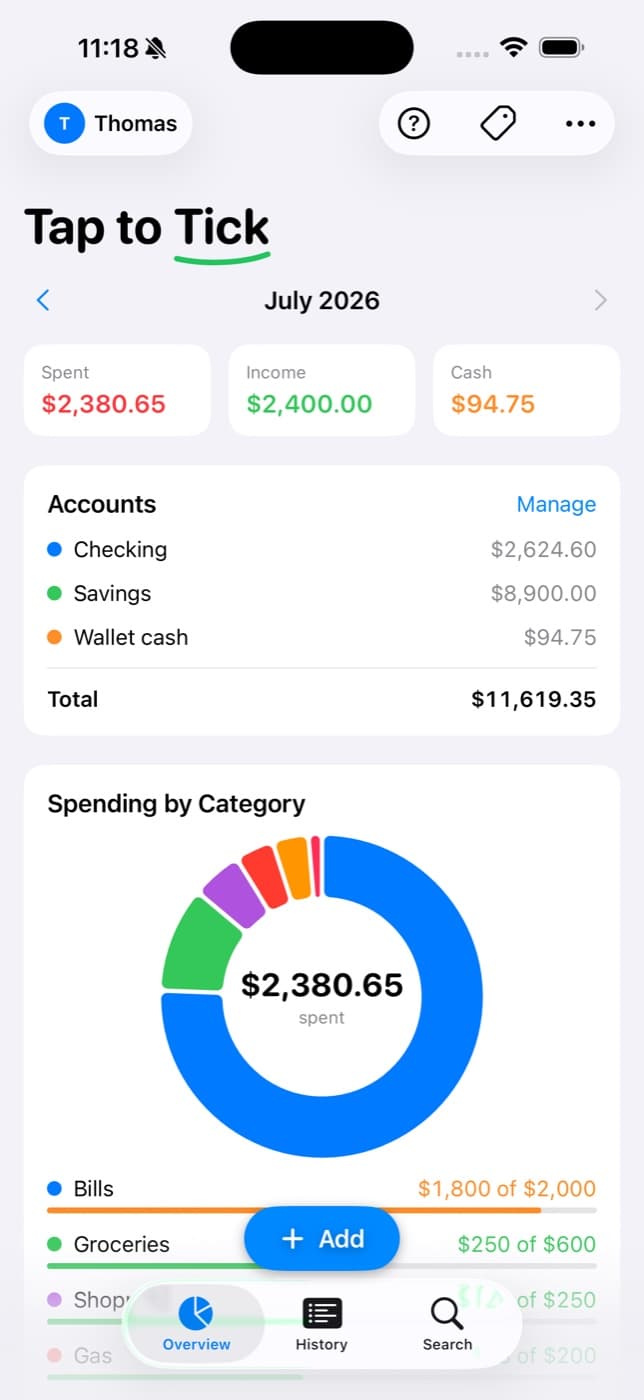
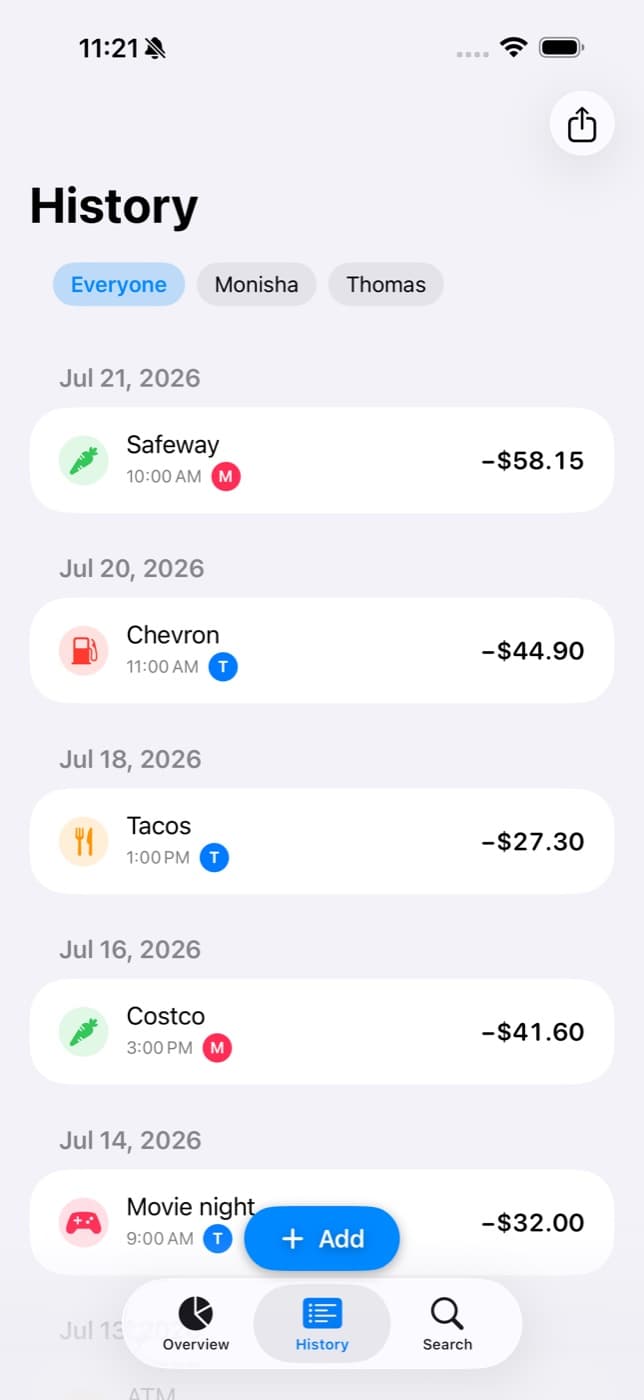
Log it before the receipt prints.
The widget sits on your lock screen with today's running total. Raise the phone, tap, punch in the amount, pick a category. Pocket it. No unlocking, no app hunting, no spreadsheet — which is exactly why it sticks.
Or don't even touch it.
Three more ways in, for when your hands are full of groceries.
Apple Pay logs itself
Tap once for Apple Pay. Tap once more to log it — exact amount, no typing, straight into whichever category you choose.
From your wrist
Dial an amount with the crown, tap a category, hit Log. It lands on your phone from across the house — no phone in hand at all.
Just ask Siri
"Hey Siri, log a purchase in Tap to Tick." It opens straight to the keypad with the category buttons waiting. Hands-free, mid-checkout.
Cash that actually adds up.
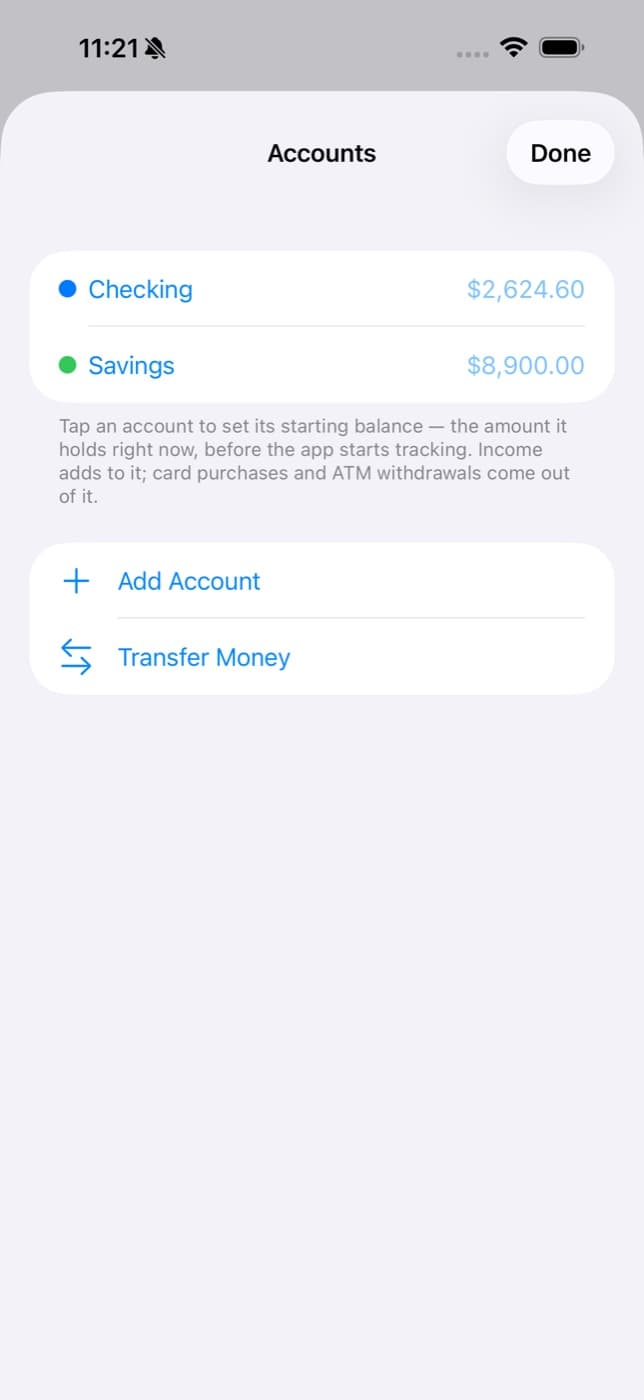
Pulling $100 from an ATM isn't spending — it's moving money from the bank into your pocket. Tap to Tick knows the difference. Mark a purchase paid with cash and it spends your wallet down instead of your checking. Bank, savings, and pocket money all stay true at once.
Rent posts itself.
Rent, paychecks, subscriptions — set them up once with a day of the month. Every month they log themselves on the right day. Editable like any other entry, pausable any time, never typed twice.
Bills · Checking−$1,200
Income · Checking+$1,250
Fun · Checking−$15.99
See exactly where it goes.
A ring of your month by category. Budgets with progress bars that tell you where you stand before you overshoot. Income against spending over time. And every balance — checking, savings, taxes, wallet — on one screen. Group the small stuff into subcategories like Coffee under Dining.
One budget, two people.
Invite the person you share money with straight from the share sheet. You both log into the same ledger over your own iCloud, you both see the same totals, and every entry shows who logged it — so nobody has to ask where the money went.
The whole app.
There isn't much to it. That's the point.
Your money is nobody's business.
There is no account to make and no budget database to hack, because there isn't one. Every transaction lives on your phone and syncs through your own iCloud — nothing about your budget is sent to Tap to Tick servers, because there are none.
Watch it happen.
The whole flow, start to finish.
Two taps. Then get on with your day.
An easy way to log and track transactions — including cash.
Free on the App Store. Requires iPhone with iOS 17 or later — Apple Watch app and lock-screen widgets included.